Student Information Systems (SIS) that leaders actually use
3
minute read
|
September 2025
| Last updated:


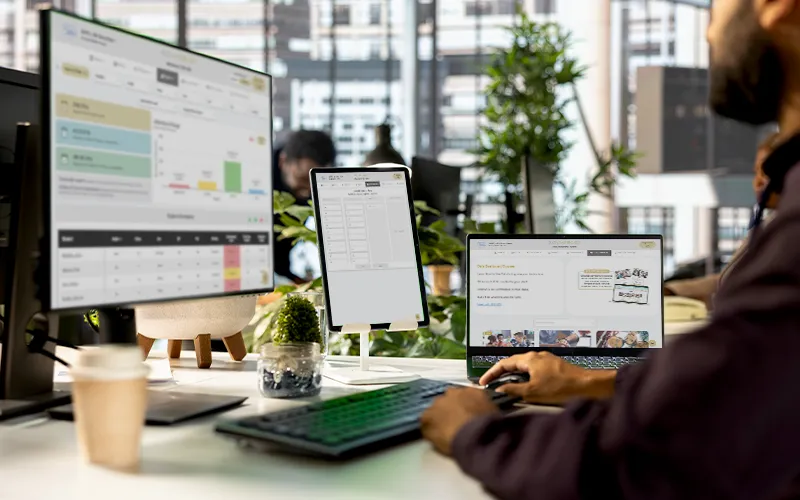
SOLVED’s K–12 Data Dashboard turns school data into a daily action plan. It layers on top of your SIS, pulls NYC ATS (Automate the Schools, NYC’s official student system) updates each morning, and shows who needs support now—by grade, subgroup, and program. Open student profiles in one click and ask plain-English questions with DATA+ to move from hunting for data to acting on it.
Most Student Information Systems (SIS) store data; they don’t turn it into fast, actionable insight. SOLVED’s K–12 Data Dashboard layers on top of your SIS to centralize attendance, performance, and assessments in a single, easy interface for principals, APs, and teachers.
What you’ll notice on day one
See it live: Launch the K-8 or High School demo from the Dashboard page.
Your assessment dashboard consolidates cornerstone diagnostics (i-Ready, MAP, etc.), NYS exams, and your own CSV uploads—so leadership and grade teams compare like-for-like across schools, grades, and subgroups in seconds.

NYC schools get daily ATS (Automate the Schools, NYC’s official student system) synchronization, so what you see matches what’s happening—no manual exports, no stale reports.

Filter attendance + grades, open the student profile, and trigger your intervention flow.
Why it works: your core metrics live on one dashboard; click into STUDENT+ from any table.
Slice assessment results (incl. NYS exams) by program/subgroup and track progress against goals.
Let the platform ingest your own exams (CSV) and auto-refresh from SIS/ATS so data is trusted and current.
SIS stores records; the dashboard visualizes SIS + assessment data with filters/subgroups so staff can act in minutes instead of hours.
Yes. NYC deployments support daily ATS synchronization, so data stays current without manual steps
Yes—attendance, grades, and performance live in one place; open STUDENT+ directly from tables.
Yes—upload CSV assessment files to combine with NYS exams and other diagnostics.
Yes—DATA+ answers plain-English questions with charts/tables, integrated with your SIS.
